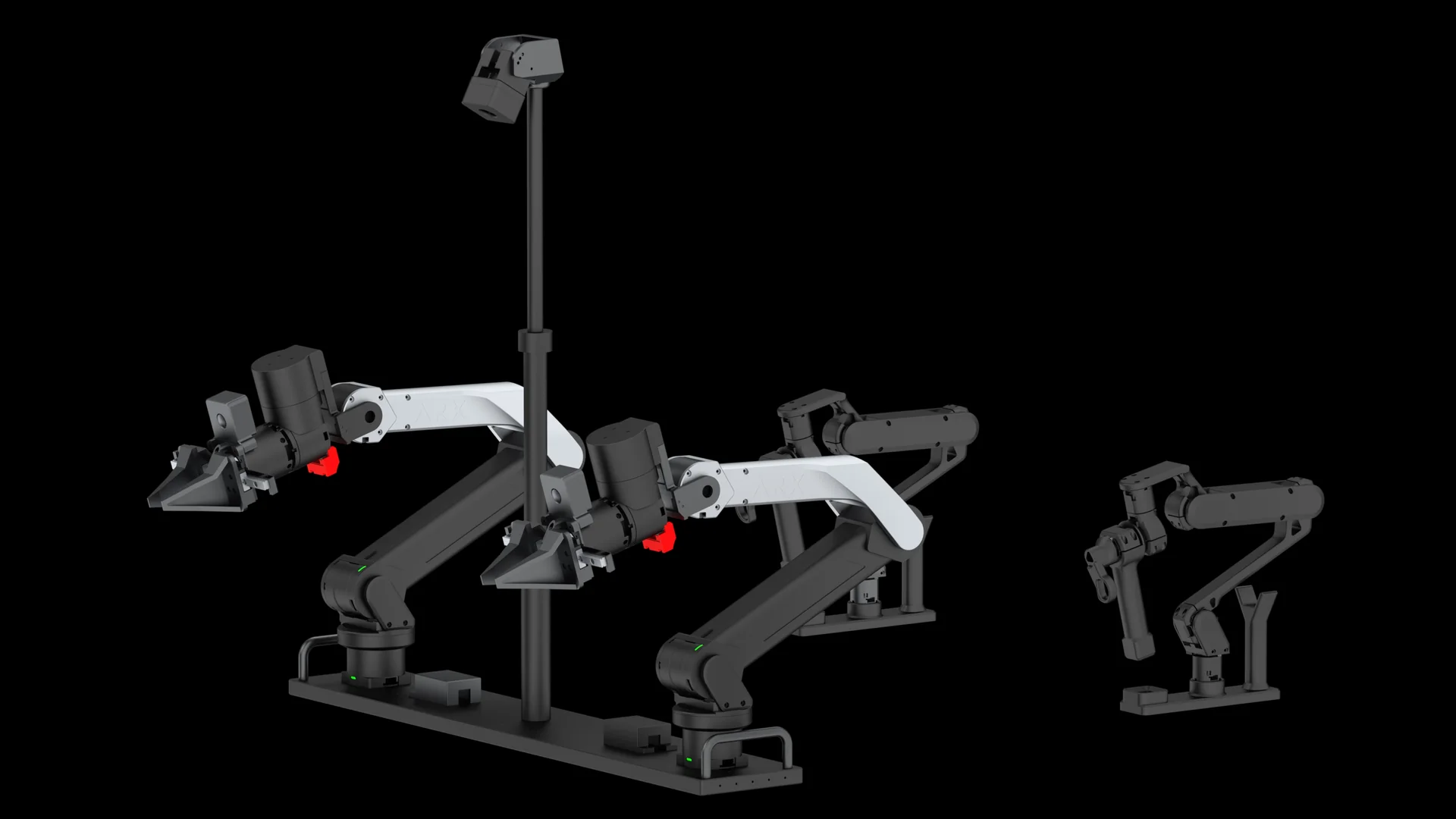
ARX X5 Python quickstart with arx5-sdk
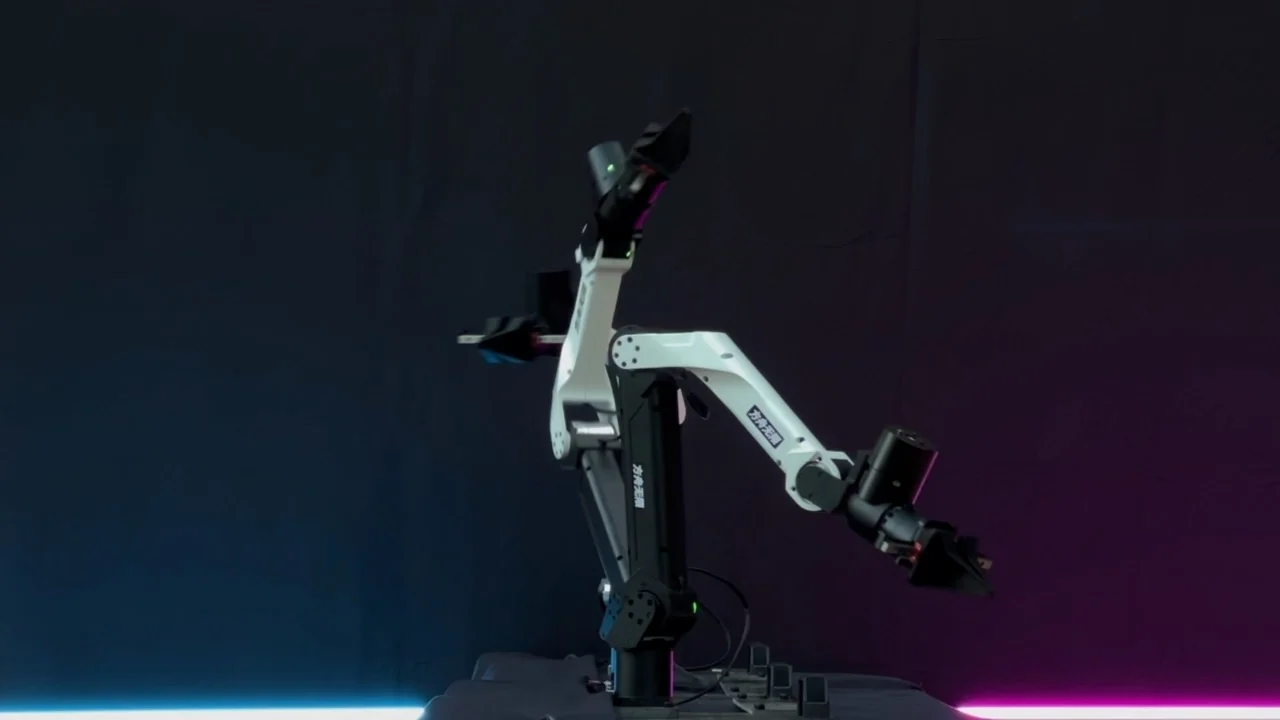
Short answer: install Stanford's arx5-sdk with pip install arx5-interface, bring up your CAN adapter at 1 Mbit/s, then run the examples with the arm model and CAN interface, for example python examples/test_joint_control.py X5 can0. The joint controller runs at 500 Hz in the background.
Before you start
- Choose the right model name. arx5-sdk supports
X5(silver and black) andL5(all-black metal with blue or red LED light). The SDK warns that the wrong model can cause dangerous movements. - Clear the space. ARX asks for a clear area with a 1 m radius around the base and for the power to be switched off first in an emergency.
- Check the gripper version. X5 (2025), the arm used on AC one, has a reversed gripper reading (
gripper_open_readout < 0). Recent arx5-sdk wheels handle its over-current protection correctly.
1. Install
pip install arx5-interface
Wheels are published for x86_64 and aarch64, Python 3.8 to 3.14. If pip reports "No matching distribution found", upgrade pip first with pip install --upgrade pip.
2. Bring up the CAN adapter
USB-CAN with candleLight firmware (a new can* interface appears in ip a):
sudo apt install can-utils net-tools
sudo ip link set up can0 type can bitrate 1000000
Run the last line every time you plug in the adapter. With several arms, bind each adapter's serial number to a fixed name in /etc/udev/rules.d/arx_can.rules.
USB-CAN with SLCAN firmware (a new /dev/ttyACM* device appears): register the adapter's serial number in the udev rules as arxcan0, then:
sudo udevadm control --reload-rules && sudo udevadm trigger
sudo slcand -o -f -s8 /dev/arxcan0 can0 && sudo ifconfig can0 up
EtherCAT-CAN adapter: power it over USB, connect it by Ethernet, find the interface name with ip a, and give your Python interpreter network capabilities with setcap as described in the arx5-sdk README.
3. Run the examples
python examples/test_joint_control.py X5 can0
python examples/keyboard_teleop.py X5 can0
python examples/spacemouse_teleop.py X5 can0
python examples/teach_replay.py X5 can0
python examples/test_bimanual.py        # two X5 arms on can0 and can1
SpaceMouse control needs libspnav-dev and spacenavd; the keyboard example works without it.
4. Tune for your end effector
If you add a wrist camera, gravity compensation needs the new end mass. ARX's own X5 SDK lets you change the link-6 mass: raise it if the arm drifts down, lower it if it drifts up. In arx5-sdk, adjust robot_config and controller_config before you create the controller.
Alternative: ARX's X5 SDK
ARX also publishes an X5 Python SDK on GitHub with gripper control, end-effector pose control, joint position control with gravity compensation, joint position, velocity and current feedback, and forward kinematics. It uses ARX's CAN tools (search, set, arx_can1) to bind adapters.